EZ Web Stream
Open Stream Studio
Sign In
EZ Web Stream
Open Stream Studio
Sign In
EZ Web Stream
Open Stream Studio
Sign In
EZ Web Stream
Open Stream Studio
Sign In
Free browser studio · No Installs
A screen recording studio and full video editor in one tab — two cameras, six live guests, AI captions, clips and YouTube publishing.
Join
Join live sessions, interview guests, and schedule ahead — works on any phone or device, no link or email required, just the ID.
Join Live Session →
Record
Broadcast mode: camera circles, screen recording, and flexible layouts — built for professional presentations, podcasts, reviews and interviews.
Open The Recorder →
Edit
Professional tools: multi-track sequencing, image-video-music import, transitions, AI captions, beat match, social exporting and much more.
Open The Editor →No install · no sign-up to start · 5-minute 720p recordings free · Pro from $7.99/mo
Record once — export sized for every platform
One-click export presets for each. YouTube also publishes direct from the editor, with an AI-written title, description, chapters and tags.
Multi-camera studio
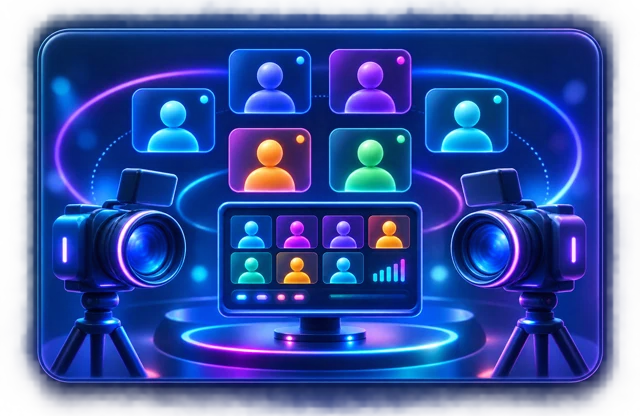
Your two webcams plus up to six live guest circles — eight faces, each in its own bubble. Drag, resize and place them anywhere for interviews, panels and dual-presenter demos. Guests join from a link with nothing to install.
Start a session →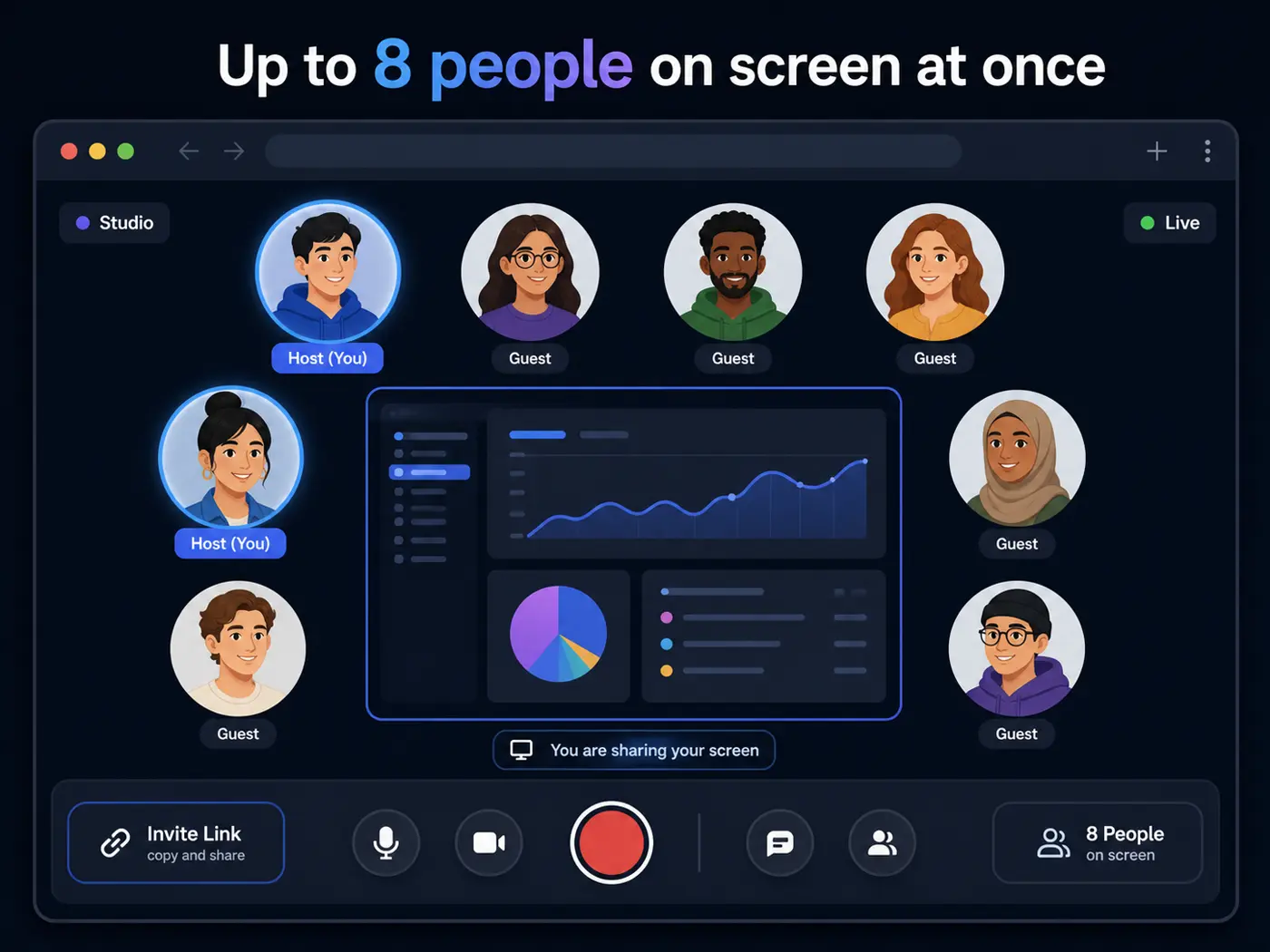
AI Clip Finder
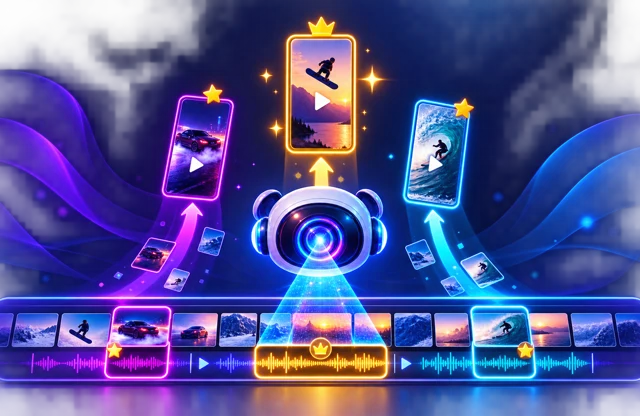
AI finds the best moments in your recording and reframes them 9:16 for TikTok, Reels and Shorts — automatically. Captions burned in, ready to post, without you scrubbing a timeline looking for the good bit.
See what's in Pro →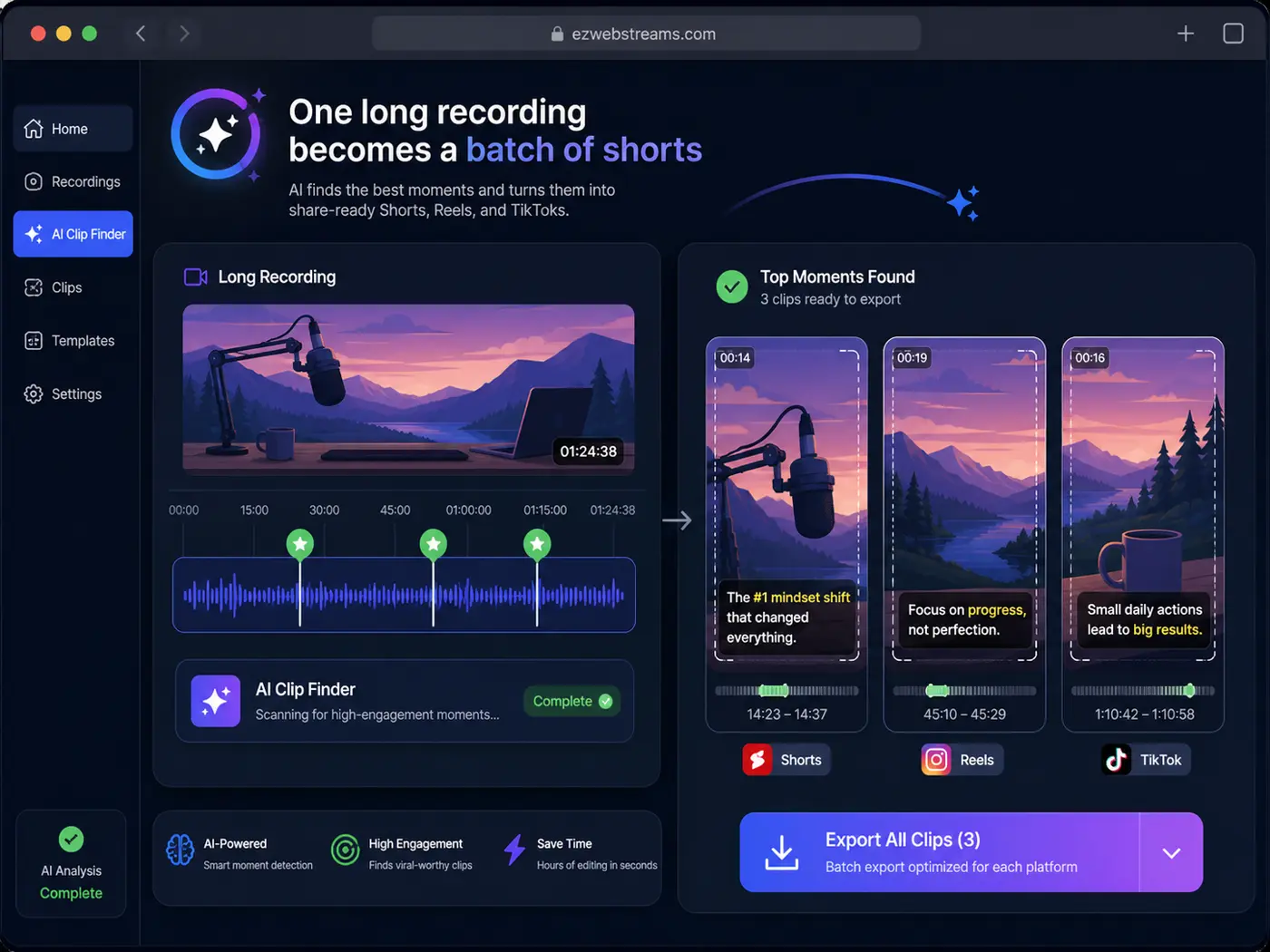
Auto-Zoom
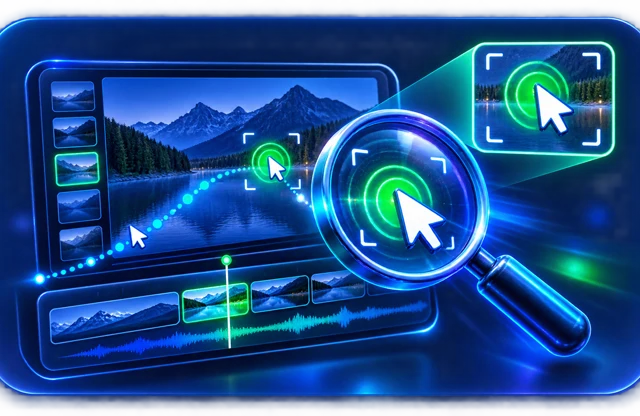
One click finds where the action is in your screen recording — every cursor move, click and keystroke — and adds smooth zooms automatically. The directed, Screen-Studio look, free, in a browser tab instead of a paid Mac app.
Try it in the editor →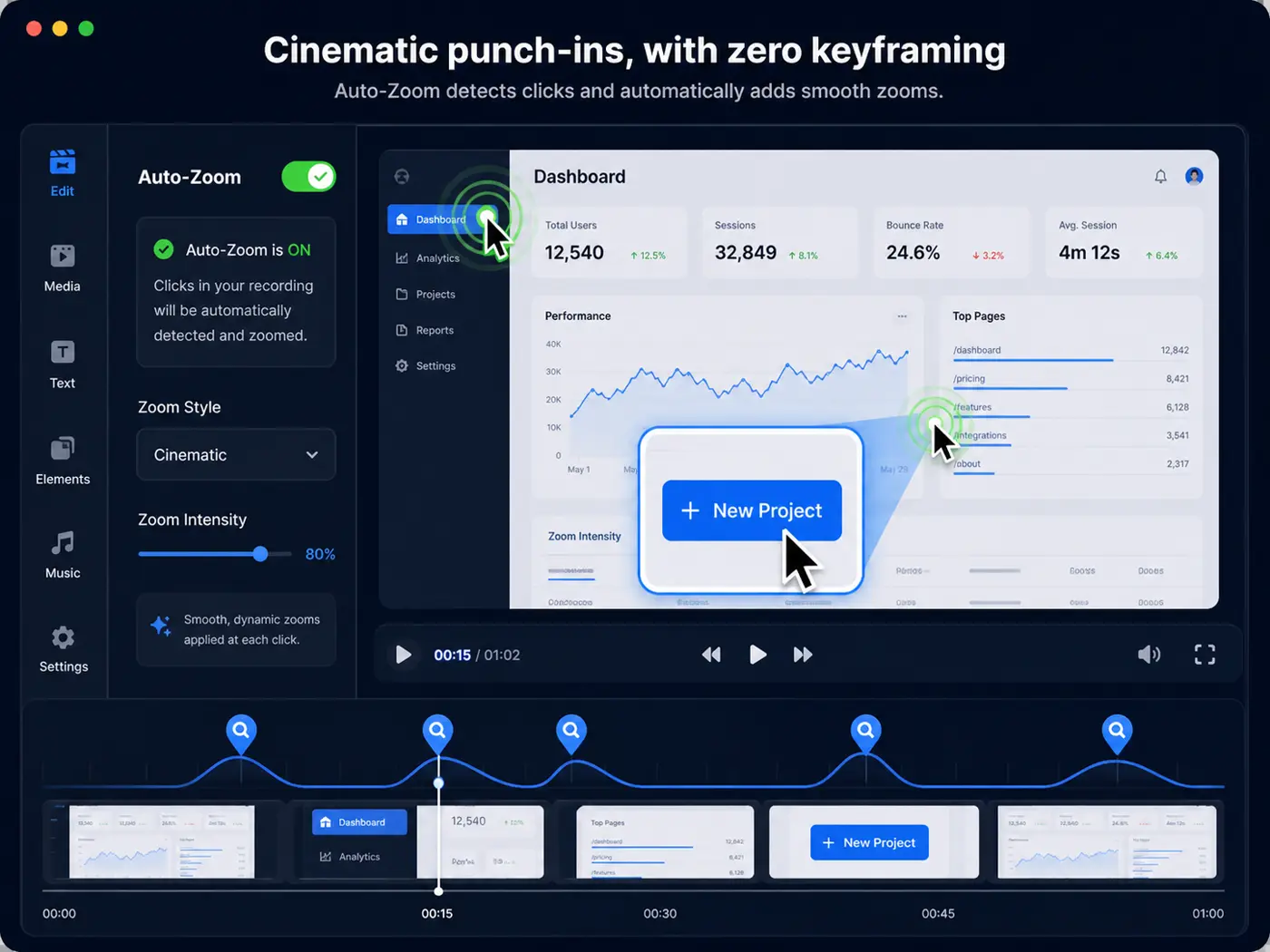
Guests, without the friction
No download, no account, no meeting ID — your guest opens the link in whatever browser they already have, on a laptop or a phone, and they are in the shot. Connections go direct where they can and fall back to a relay where a restrictive network blocks that, so an office firewall does not end the interview.
How that compares →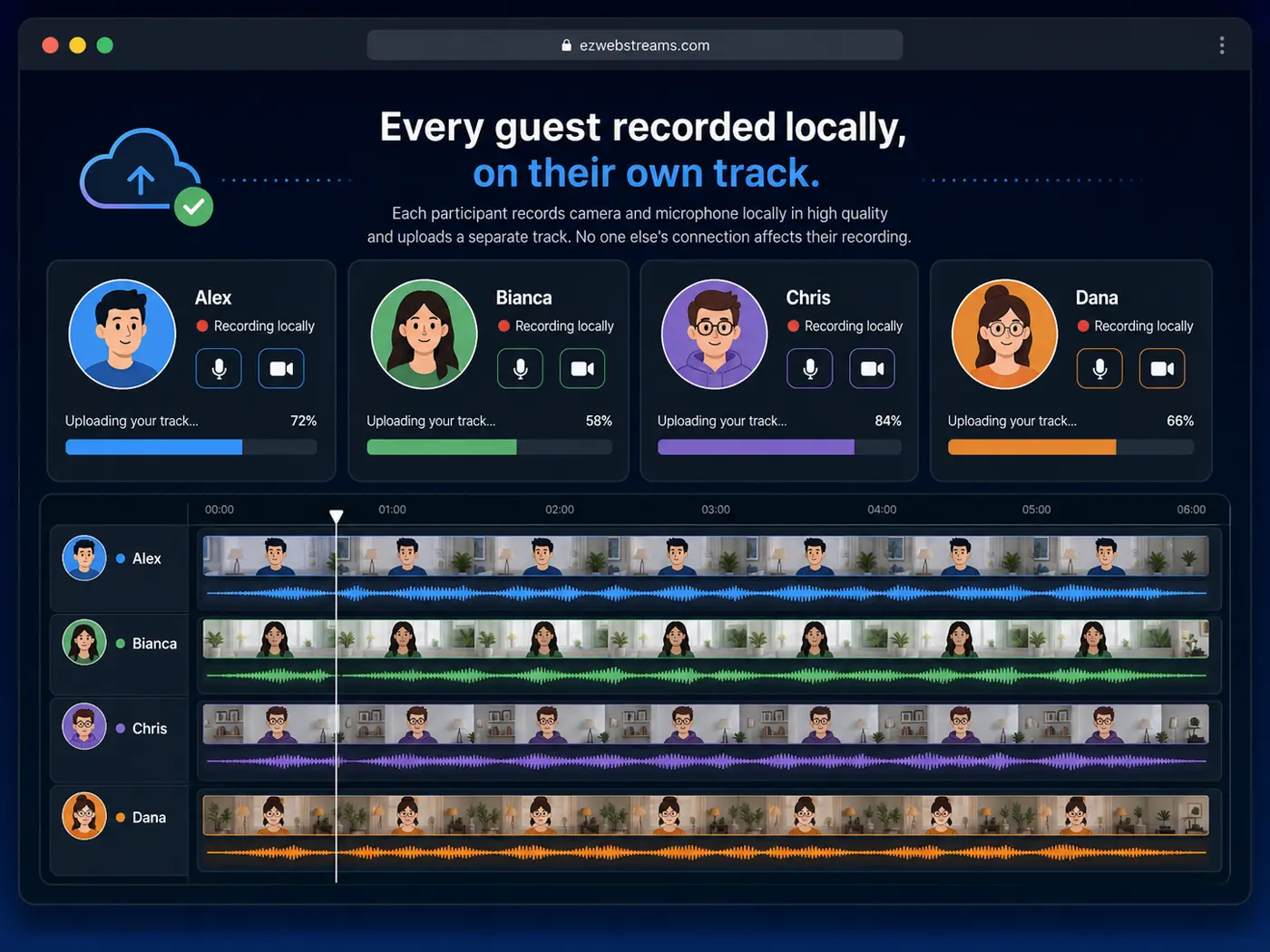
Brand kit, included
Drop in your logo, TV-style lower-thirds with each person's name and title, and a bottom banner you can flip on live mid-record. It burns straight into the video and works for your guests too — with no separate brand-kit subscription.
Set up your brand →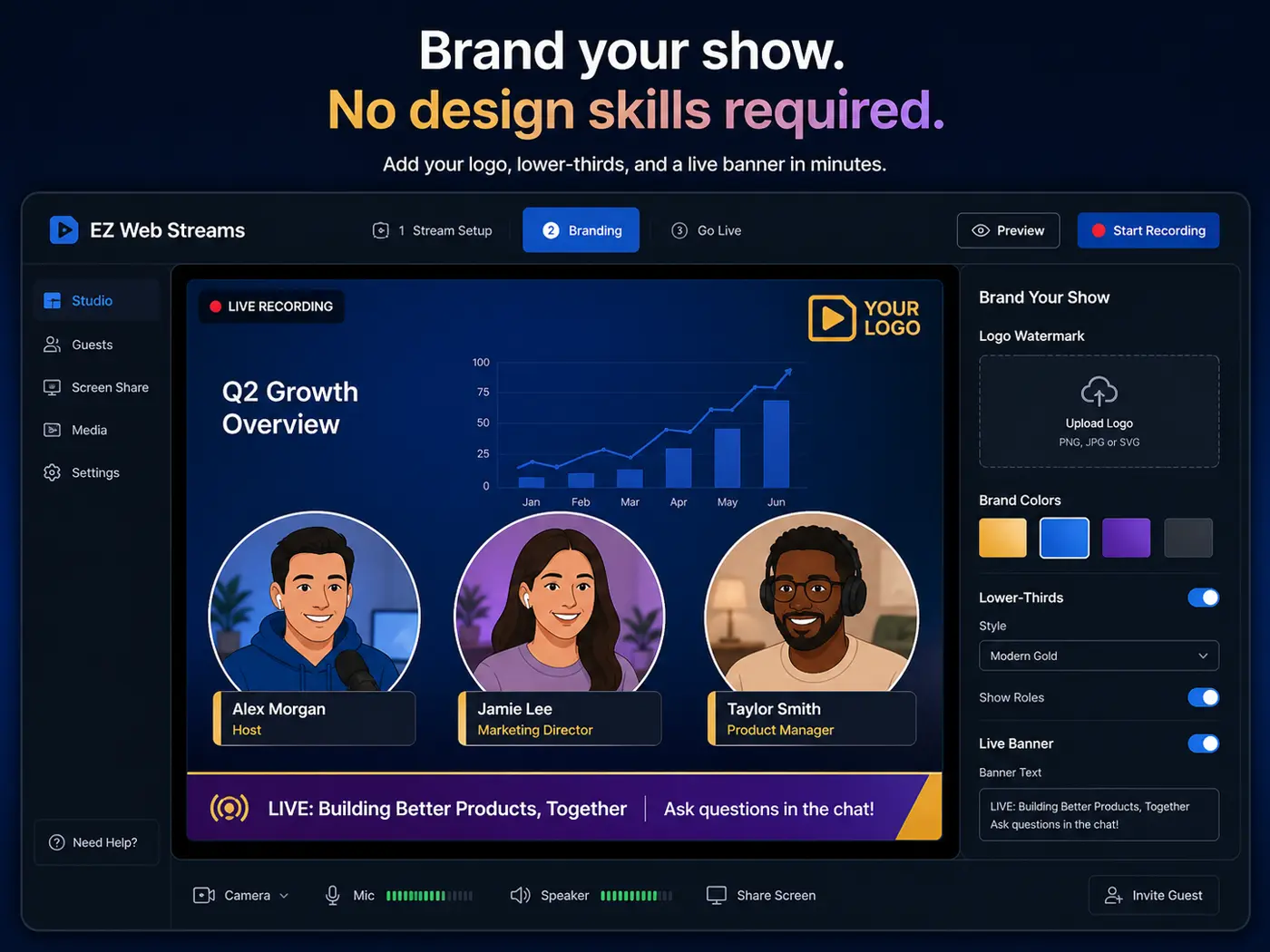
Full timeline editor
Trim, split, ripple-delete and reorder across overlay layers. Add fades, crossfades, transitions, speed and per-clip volume. Marquee-select a batch and change them all at once — then throw a live fullscreen preview onto your second monitor while you keep editing.
Open the editor →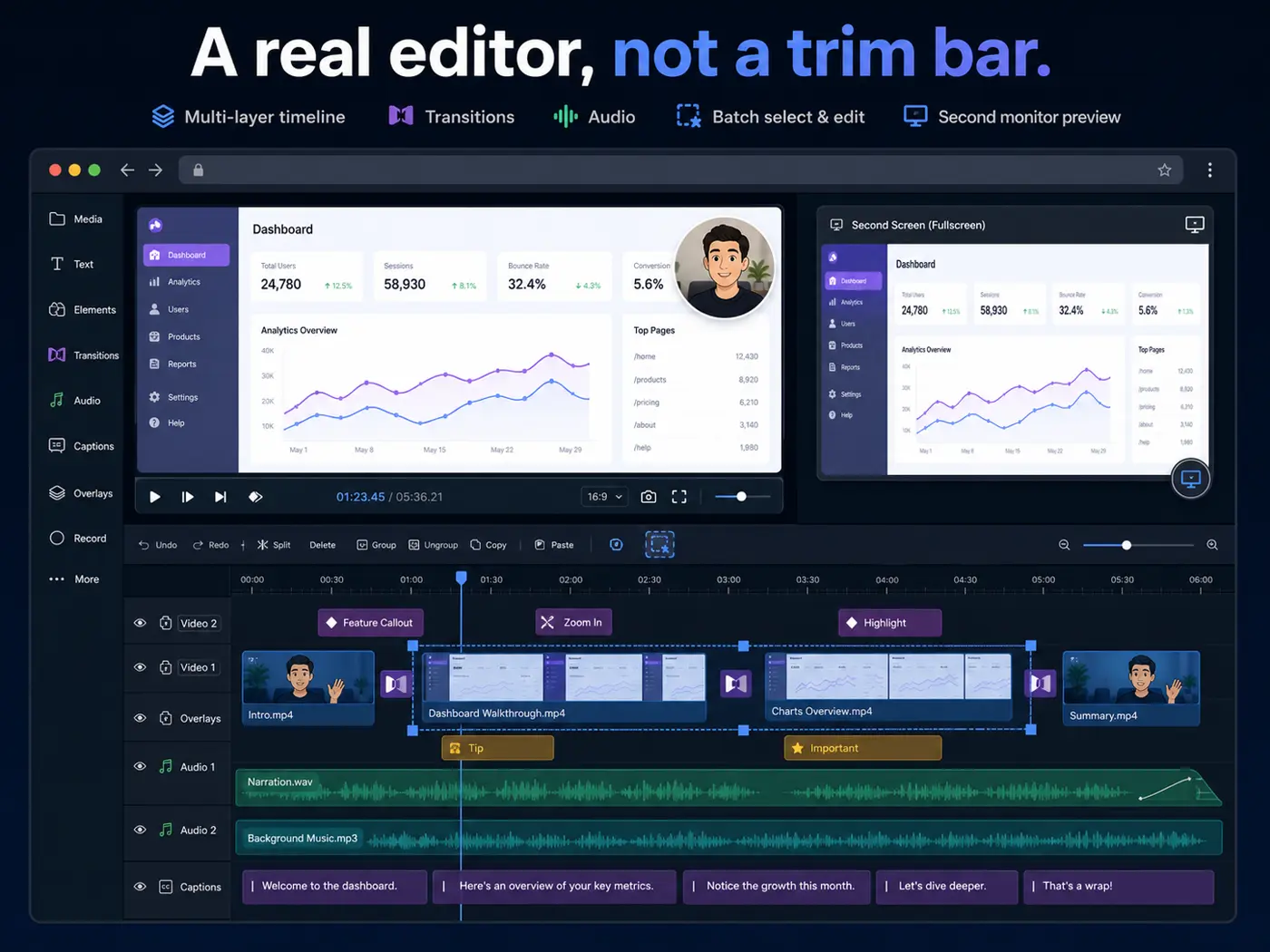
Every other tool does one part of that and hands you off. This does all four, and never asks you to install anything.
The six above are the headline. Here's the rest of what's in the box.
Blur your room or swap in an image, live, on-device. Guests included.
Word-perfect Whisper timing, Karaoke and word-highlight styles, SRT export.
Finds and removes silent gaps, awkward pauses and filler words automatically.
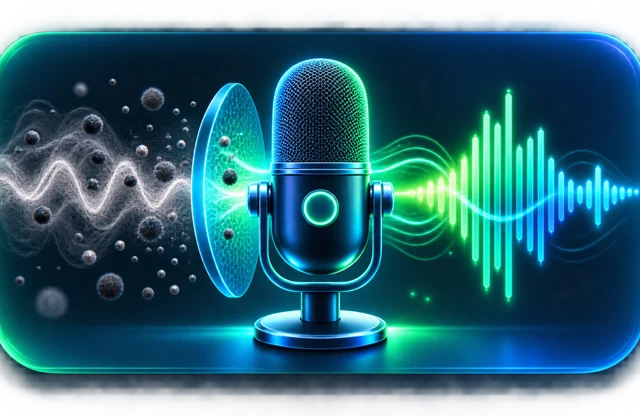
Strips background noise and hiss so it sounds like a studio mic.
Type a script, pick from six natural voices, drop the narration on the timeline.
Titles, SEO descriptions, tags, chapters — or a full SEO-ready article from your talk.
Detects beats in-browser and cuts your photos and clips to the music.
Drag blur boxes over emails or invoices before you record — baked into the video.
Whole screen, one window, a tab — or drag a rectangle to grab just that area.
Gradient plinth, rounded corners and shadow, then one-click 9:16 or 1:1.
Royalty-free plus licensable AudioJungle tracks, auto-ducking under your voice.
Scan a QR code and send footage over Wi-Fi. Resumes if the connection drops.
Free Windows companion renders exports on your own PC with ffmpeg, 5–20× faster.
One click converts H.265 clips that show black in some browsers to H.264.
16, 24 or 40 Mbps masters, or Match Source. Draft mode renders a fast preview.
Closes every empty space on the main track — audio, text and markers stay in sync.
A live projector on your other monitor while you keep editing on the main one.
YouTube 1080p, TikTok/Reels 9:16, LinkedIn and X — or publish straight to YouTube.
Recording and editing run on your device. Nothing uploads until you say so.

No install, no sign-up, no credit card. Open a tab and hit record.
Start recording free →The only browser tool that takes you from record → edit → AI captions & clean-up → short vertical clips → publish to YouTube with AI SEO — and even turns your talk into an SEO-ready blog article. All in one tab, for about a third of the price.
← scroll the table sideways to see every tool →
| BEST VALUE EZ Web Stream$7.99/mo |
Loomfrom $12.50/mo | Jumpsharefrom $8.25/mo | Descript$12–24/mo | Screencastifyfrom $10/mo | Zoomfree 40-min · Pro ~$14.99/mo | |
|---|---|---|---|---|---|---|
| Free tier | ✓Full editor included | ✓Limited | ✓Limited | ✓Limited | ✓Limited | ✓40-min meeting cap |
| Runs 100% in the browser — no install | ✓Pure web app | —Extension / app | ✗Desktop app | ✗Desktop app | —Chrome extension | ✗Desktop app |
| Up to 8 people on screen your 2 webcams + up to 6 live guest circles, each in its own bubble |
✓2 cams + 6 guests | ✗ | ✗ | ✗ | ✗ | —meeting grid, not composited |
| Live lower-thirds, names & logo TV-style name/title strips + logo + banner, burned in live — guests too |
✓no brand-kit sub | ✗ | ✗ | ✗ | ✗ | ✗ |
| Screen + window + area capture | ✓ | ✓ | ✓ | ✓ | ✓ | ✓In meetings |
| Multi-layer timeline editor layers, transitions, fades, time-stretch |
✓ | —Trim only | —Trim only | ✓ | —Trim only | ✗ |
| ⛶ Fullscreen + second-monitor preview fullscreen preview with transport & scrub bar, plus a live projector on your other monitor while you edit; Premiere's second-monitor playback & OBS's fullscreen projector are desktop installs |
✓Both monitors | ✗ | ✗ | ✗ | ✗ | ✗ |
| Batch-edit multiple clips at once marquee-select many clips → set speed/duration, crop/scale, delete or ZIP-download all at once; browser editors edit one clip at a time, batch is a desktop-NLE (Premiere/Vegas) feature |
✓Marquee select | ✗ | ✗ | —One clip at a time | ✗ | ✗ |
| Save projects (cross-device) named projects synced to your account |
✓Any device, in-browser | ✓Cloud account | ✓Cloud account | ✓Cloud account | —Saves to Google Drive | ✗Recordings only |
| One-click remove silent pauses / AI clean-up | ✓✨ Polish | —AI add-on | ✗ | ✓ | ✗ | ✗ |
| Audio waveforms + markers | ✓ | ✗ | ✗ | ✓ | ✗ | ✗ |
| Live guest streaming & invites link invite, nothing for guests to install |
✓ | ✗ | ✗ | —via SquadCast | ✗ | ✓Core Zoom |
| Separate per-person recording tracks each guest records locally in full quality — clean isolated tracks, not the live mix |
✓Built in | ✗ | ✗ | —via SquadCast | ✗ | ✗ |
| Privacy blur | ✓ | — | ✗ | — | ✗ | ✓Meetings only |
| 🖼 Virtual background — no green screen blur, image or color behind you, live; Zoom/Teams do it in meetings only, OBS needs a desktop install |
✓On-device | ✗ | ✗ | ✗ | ✗ | ✓Meetings only |
| Live transcript | ✓Live while recording | ✓After upload | — | ✓ | — | ✓Meeting transcript |
| AI article / blog generation from transcript | ✓SEO-optimized | ✗ | ✗ | —Limited | ✗ | ✗ |
| YouTube connect + AI-SEO auto-publish | ✓Auto title, tags & description | ✗ | ✗ | —Export only | —Upload, no AI SEO | ✗ |
| AI Clip Finder → short vertical clips auto-cut TikTok / Reels / Shorts from one recording |
✓Flagship | ✗ | ✗ | —Add-on | ✗ | ✗ |
| AI show-notes: chapters, tags & SEO description | ✓For YouTube | —AI add-on | ✗ | — | ✗ | ✗ |
| AI Clean Audio removes background noise & hiss |
✓ | ✗ | ✗ | ✓Studio Sound | ✗ | ✓Meetings only |
| 🎙 AI Voiceover from a script type text → six natural AI voices on the timeline; ElevenLabs / Play.ht are a separate paid subscription, Descript Overdub is desktop-only |
✓6 voices · Pro | ✗ | ✗ | —Overdub (desktop) | ✗ | ✗ |
| Cinematic zoom & punch-in Ken-Burns keyframes on any clip |
✓Keyframed | ✗ | ✗ | — | ✗ | ✗ |
| Auto-zoom to the action finds your cursor, clicks & typing and adds cinematic punch-ins automatically — free, in the browser; Screen Studio does this but it's a paid Mac-only app |
✓Automatic · free | ✗ | ✗ | ✗ | ✗ | ✗ |
| Premium backgrounds & padding gradient, rounded corners, drop shadow |
✓Screen-Studio look | ✗ | ✗ | ✗ | ✗ | ✗ |
| Vertical & square reframe one-click 9:16 & 1:1 for Reels / TikTok |
✓Fit / Fill | ✗ | ✗ | ✓ | ✗ | ✗ |
| Styled auto-captions multiple styles + SRT export |
✓8 caption styles | ✓Basic | — | ✓ | ✓Basic | ✗ |
| On-video titles & lower-thirds | ✓Burned in | ✗ | ✗ | ✓ | — | ✗ |
| Live overlays (lower-thirds, banner, logo) logo watermark, lower-thirds & a bottom banner burned into the recording and toggled live mid-record — works for guests too; StreamYard/Riverside gate brand kits behind a paid sub, OBS needs a desktop install |
✓Live, burns in | ✗ | ✗ | ✗ | ✗ | ✗ |
| Music library + premium tracks royalty-free + AudioJungle, auto-ducking |
✓Ducks under your voice | — | ✗ | ✓ | ✗ | ✗ |
| 🎵 Beat Sync — auto-cut to the beat detects beats in-browser; elsewhere only in the CapCut app or a paid plugin |
✓On-device, free | ✗ | ✗ | ✗ | ✗ | ✗ |
| Transitions (crossfade / dissolve / wipe) | ✓ | ✗ | ✗ | ✓ | ✗ | ✗ |
| Shareable public links | ✓ | ✓ | ✓ | ✓ | ✓ | ✓Paid cloud recording |
| One-click social export presets YouTube · TikTok/Reels · LinkedIn · X |
✓ | ✗ | ✗ | ✓ | ✗ | ✗ |
| ⚡ Local render agent — 5–20× faster exports free Windows companion app renders exports on your own PC with ffmpeg, plus a 1-click HEVC→H.264 fix for phone videos that show black in some browsers; browser-only rendering still works with no install |
✓Free download | ✗ | ✗ | —Desktop app renders locally by nature | ✗ | ✗Recordings only, no editor |
| HD 1080p+ export | ✓Up to 1440p | ✓ | ✓ | ✓ | ✓ | ✓1080p, paid cloud |
✓ included · — limited or plan-dependent · ✗ not available. Competitor names are trademarks of their owners; features & prices are our understanding as of 2026 and may change.
Free, on your device: record & edit 5-minute 720p clips with captions. Free account: upload your own music, images & video and save projects. Pro $7.99/mo: full HD, unlimited length, your logo, live guests, one-click sharing & the full AI toolkit — Clip Finder, show-notes, Clean Audio & Polish — see pricing. A third cheaper than Jumpshare.